Flow
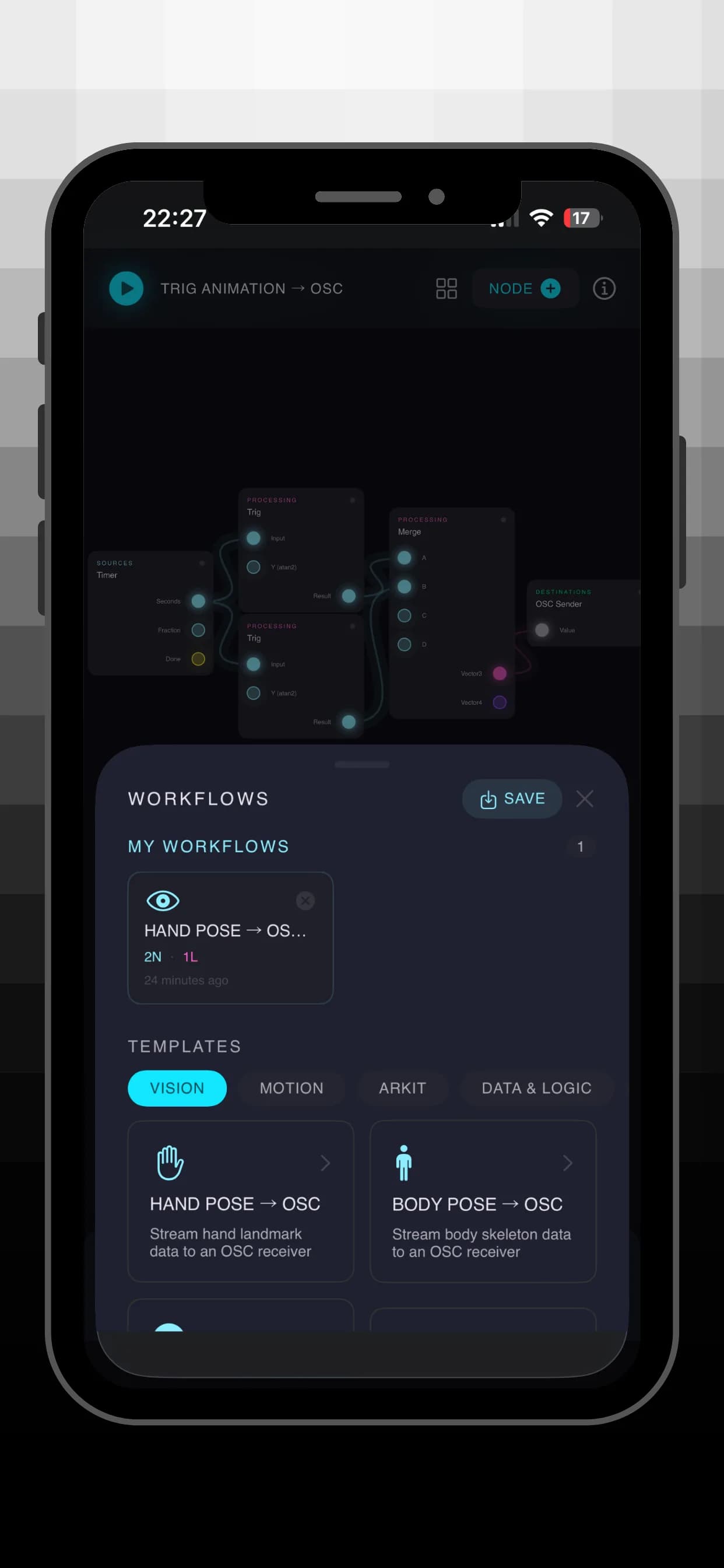
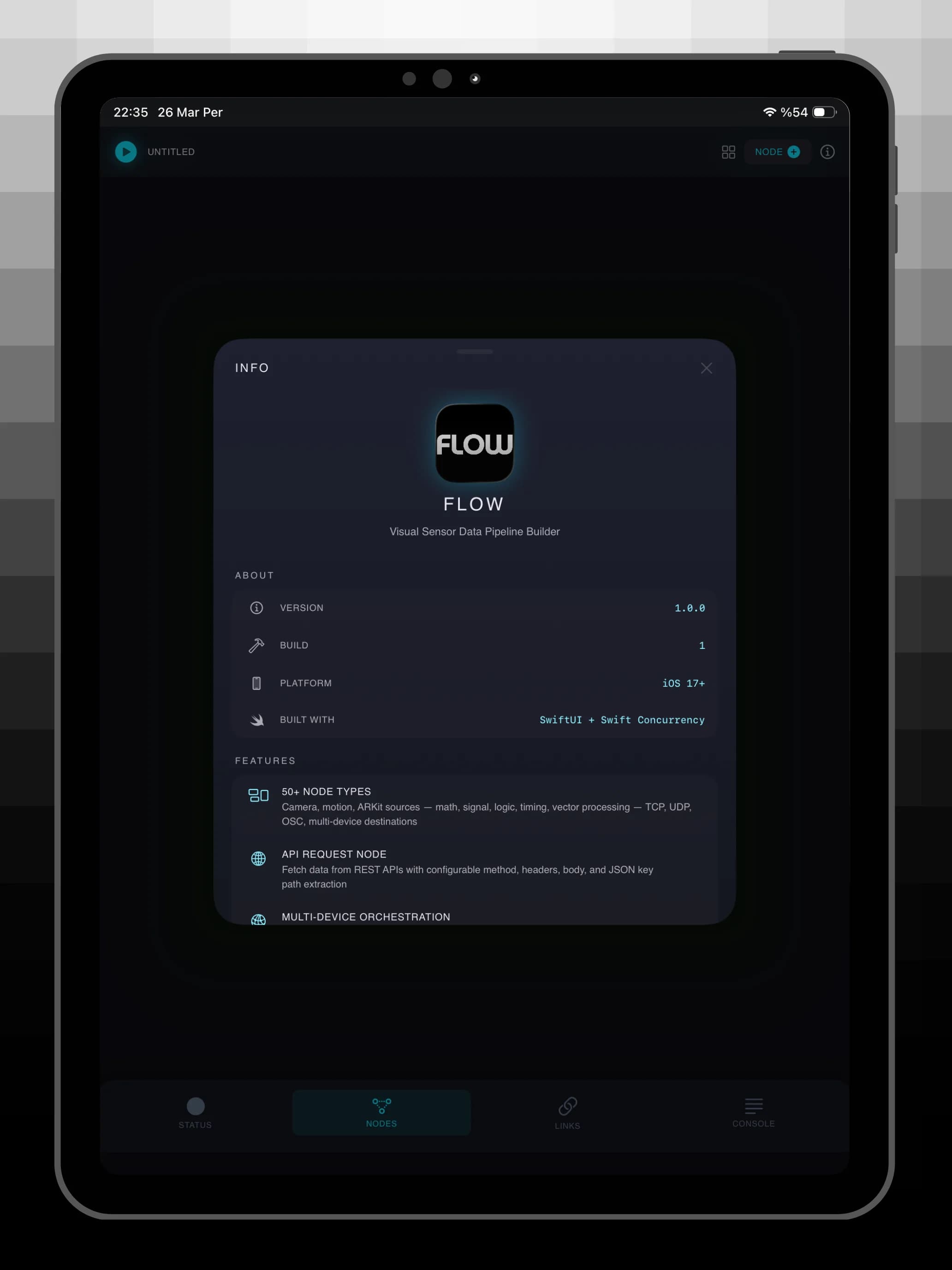
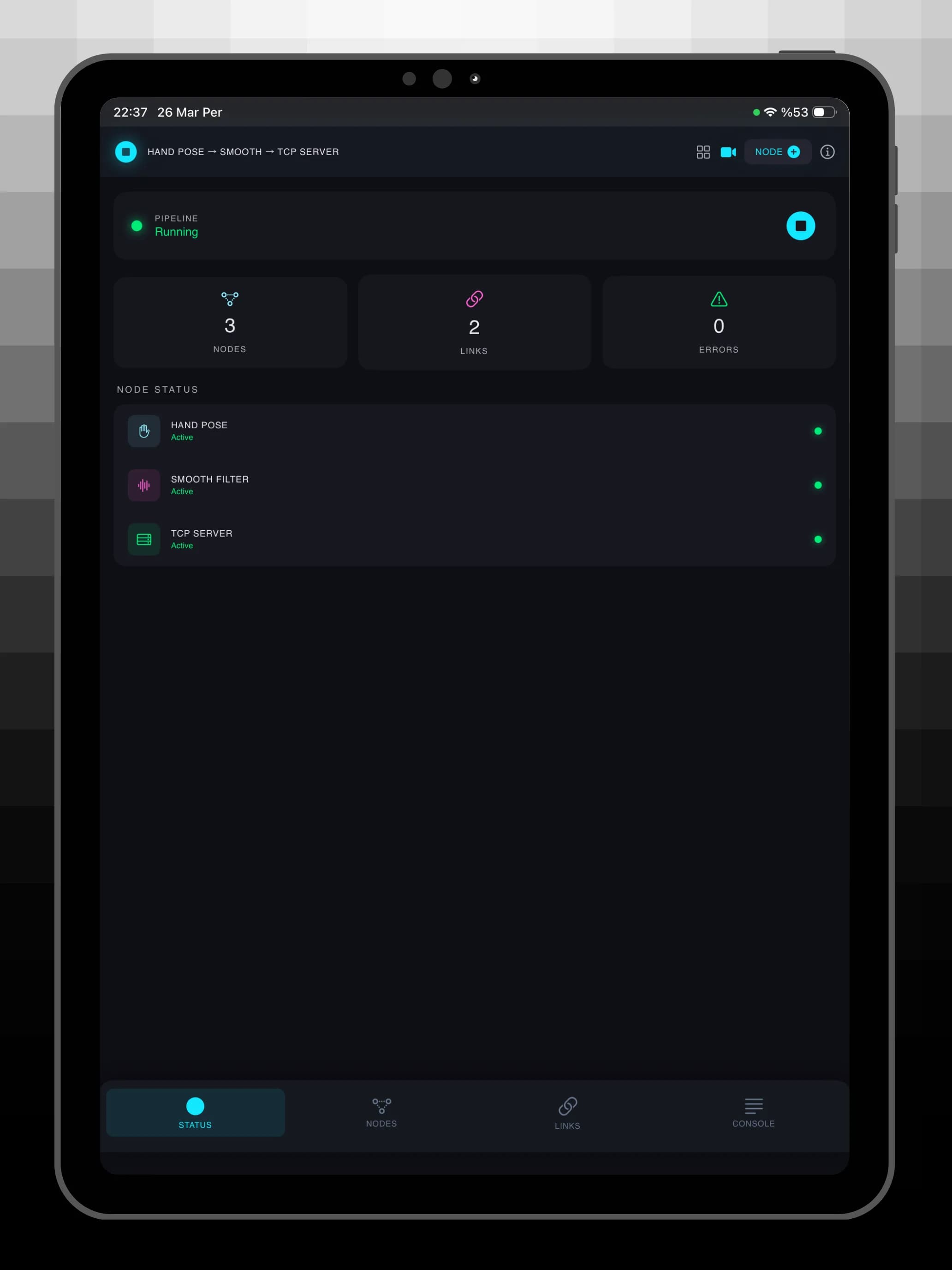
Flow turns your iPhone and iPad into a powerful sensor hub. Build visual data pipelines by connecting nodes on a canvas and stream camera, motion, and AR data to any device over OSC, UDP, or TCP.
Visual Node Editor
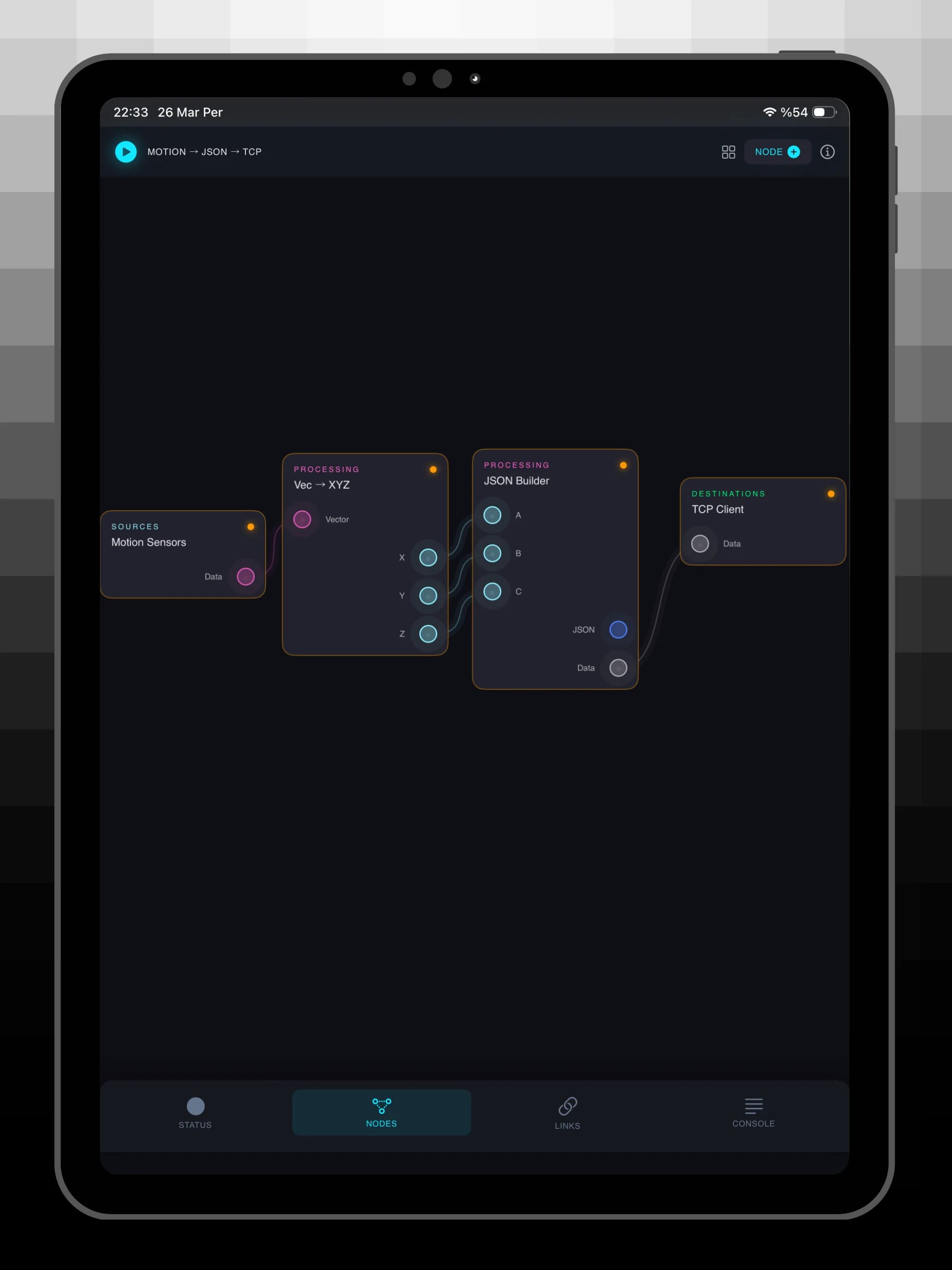
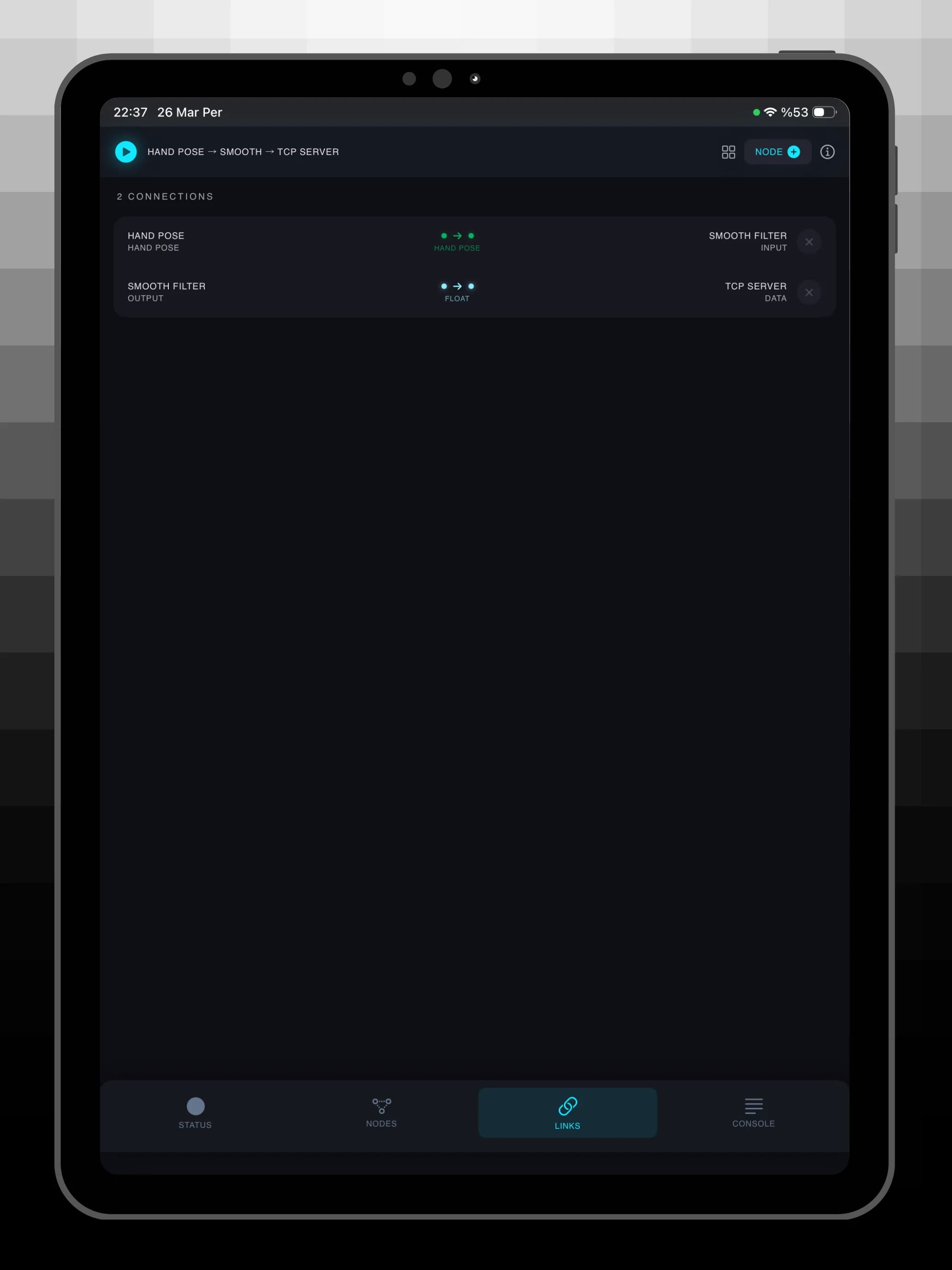
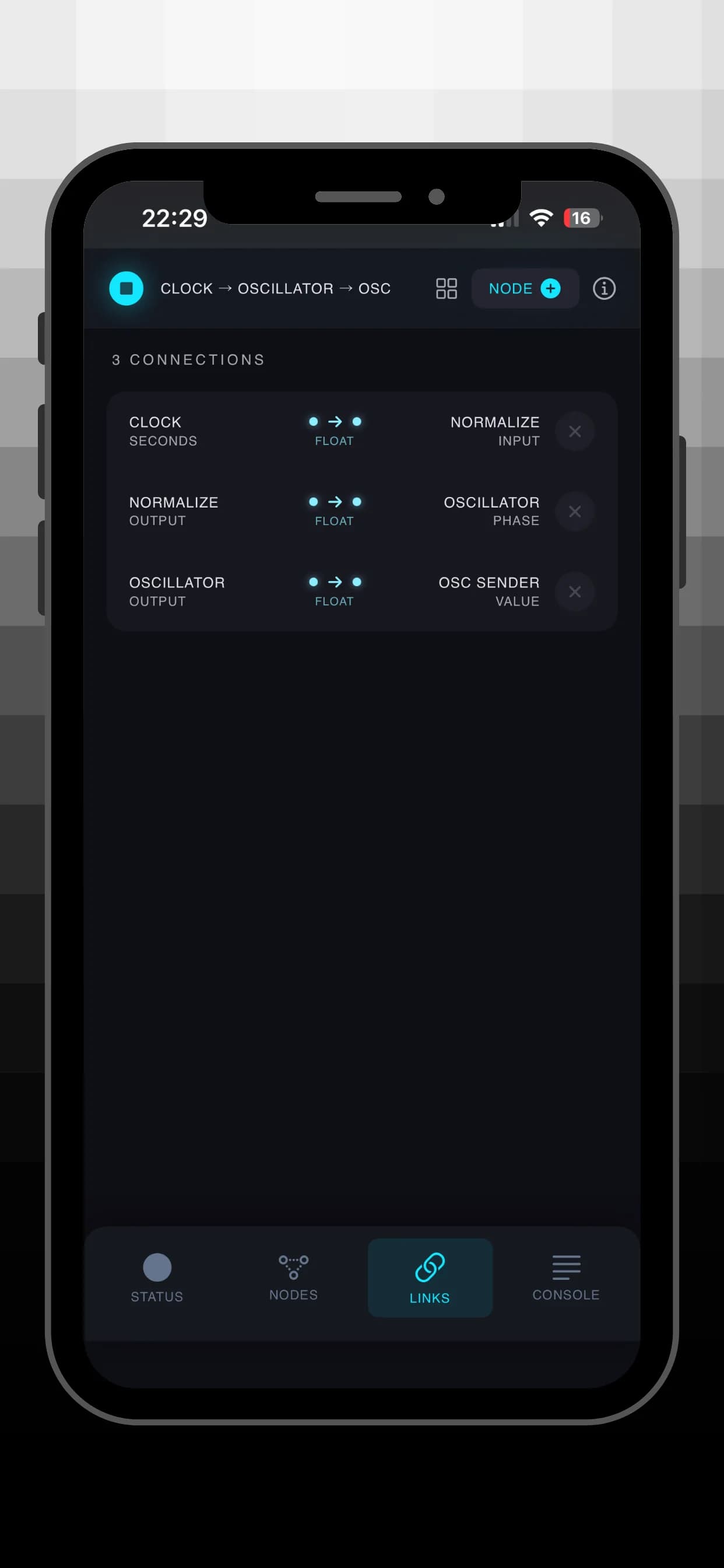
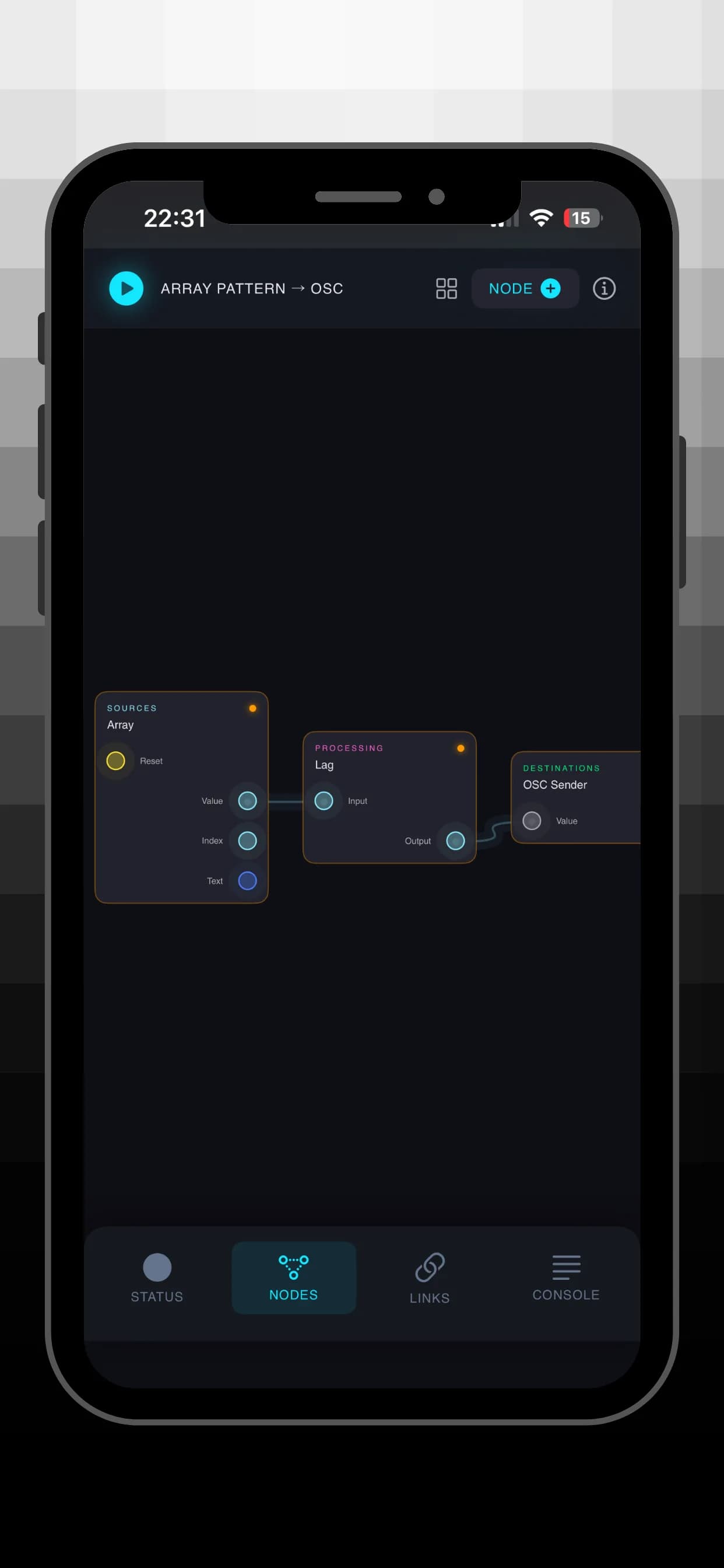
Drag, connect, and configure nodes on an interactive canvas. No coding required. Build complex sensor routing in minutes with an intuitive drag-and-connect workflow inspired by TouchDesigner and Max/MSP.
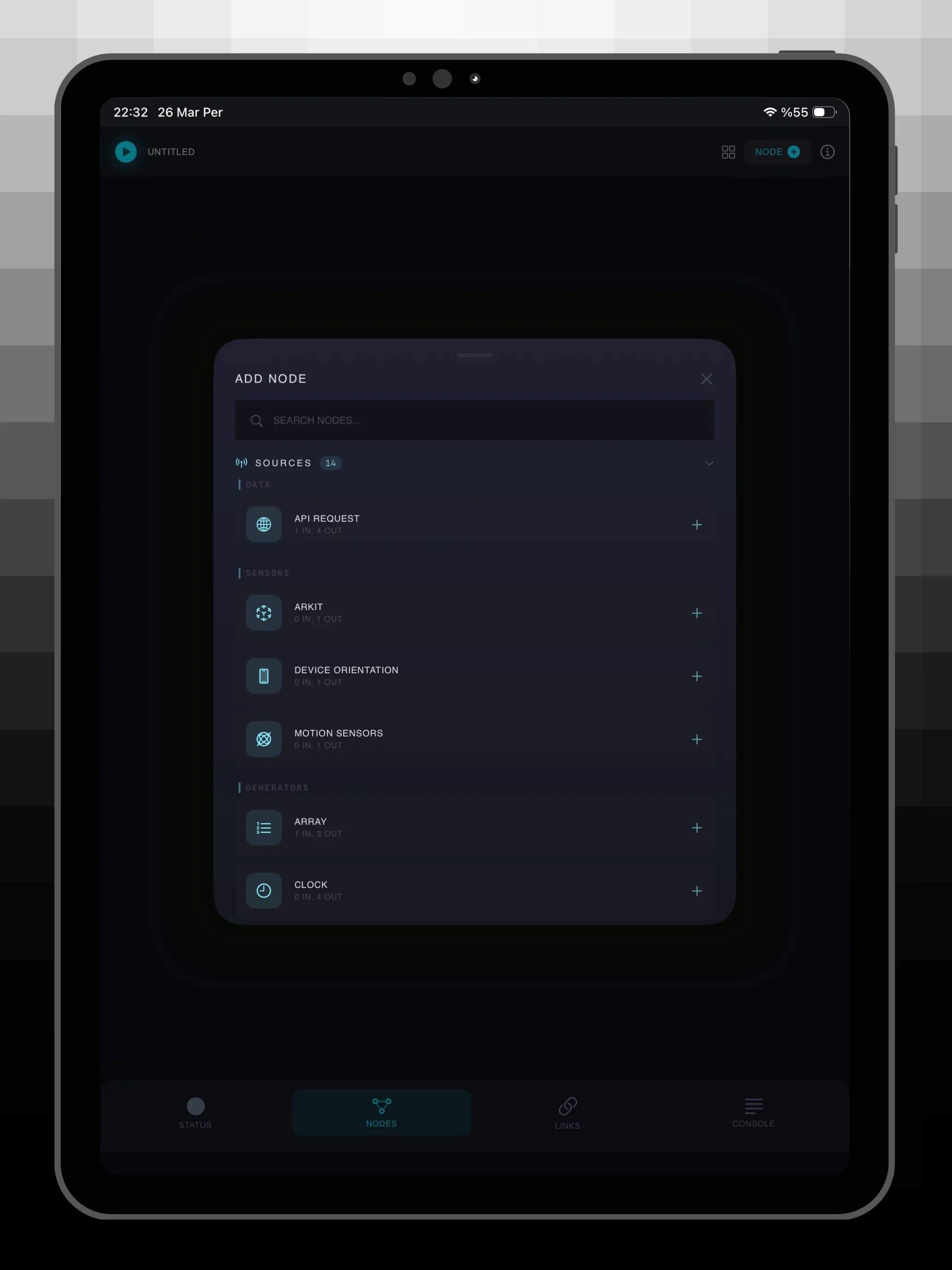
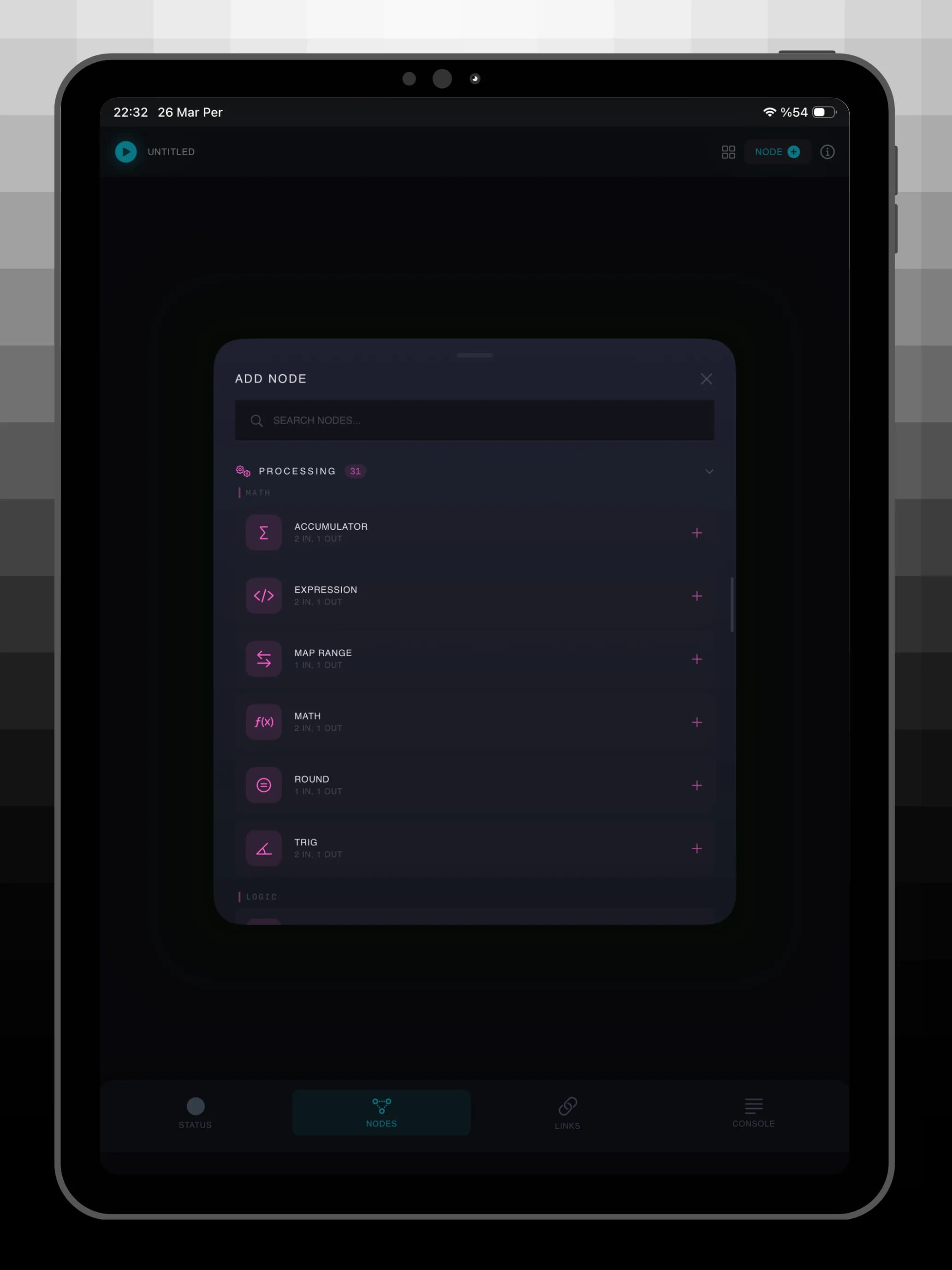
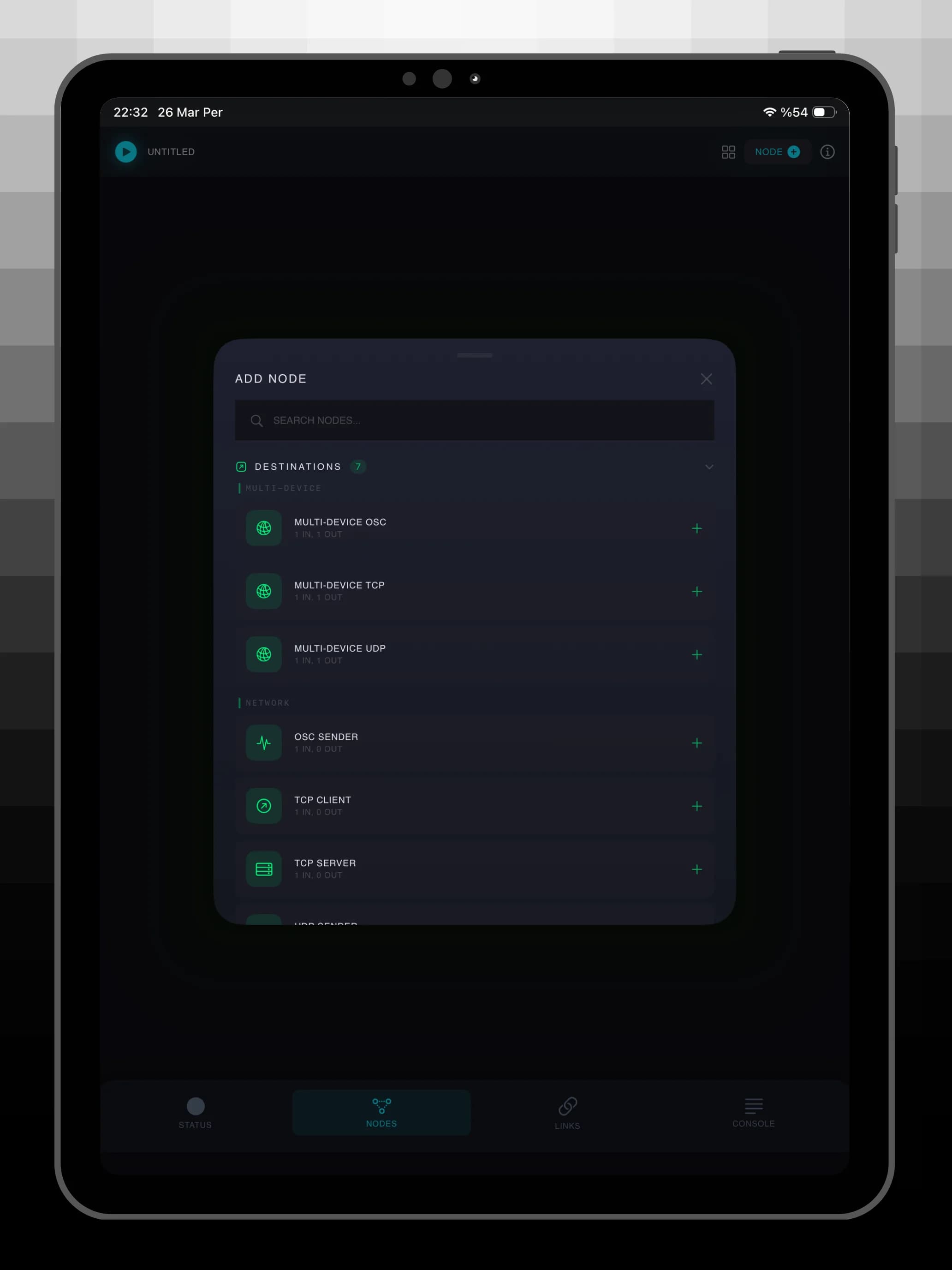
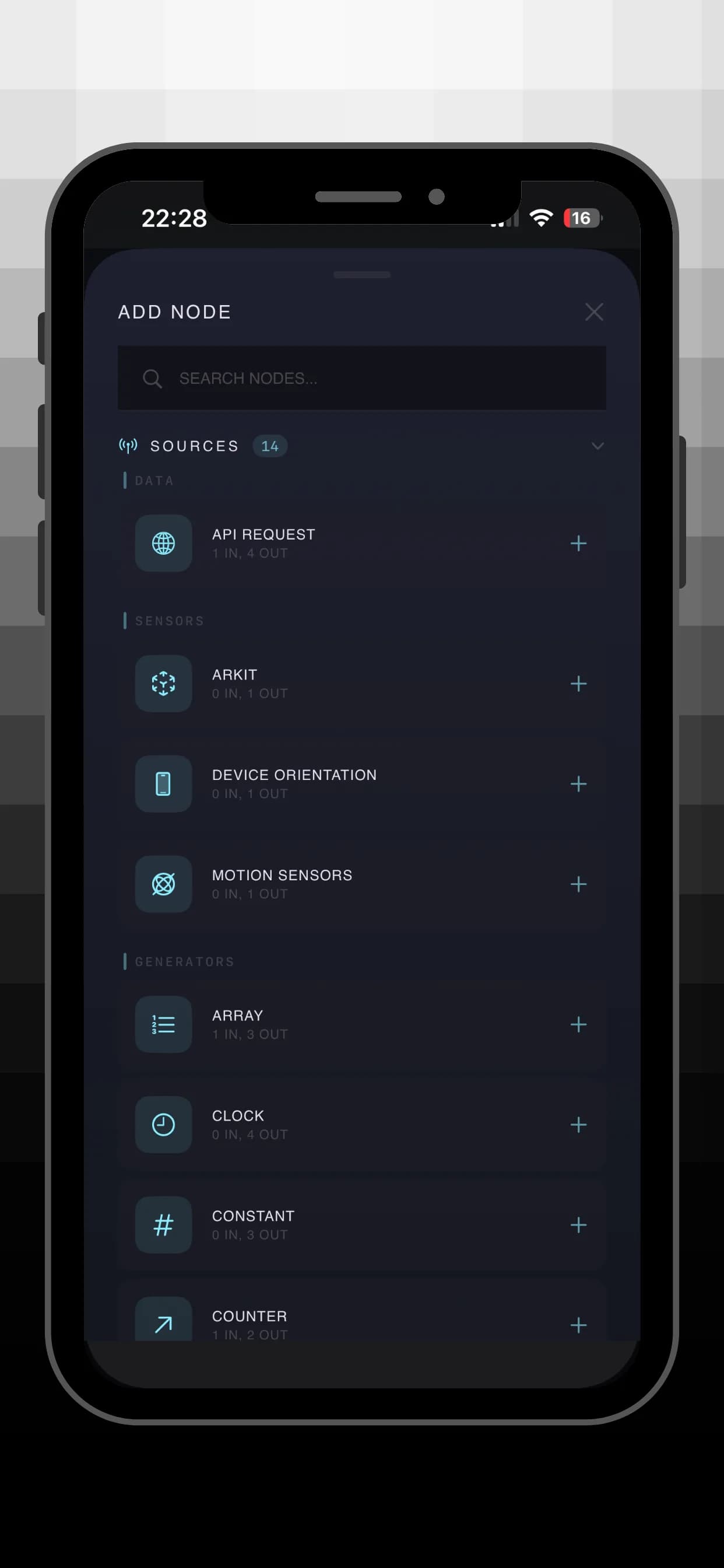
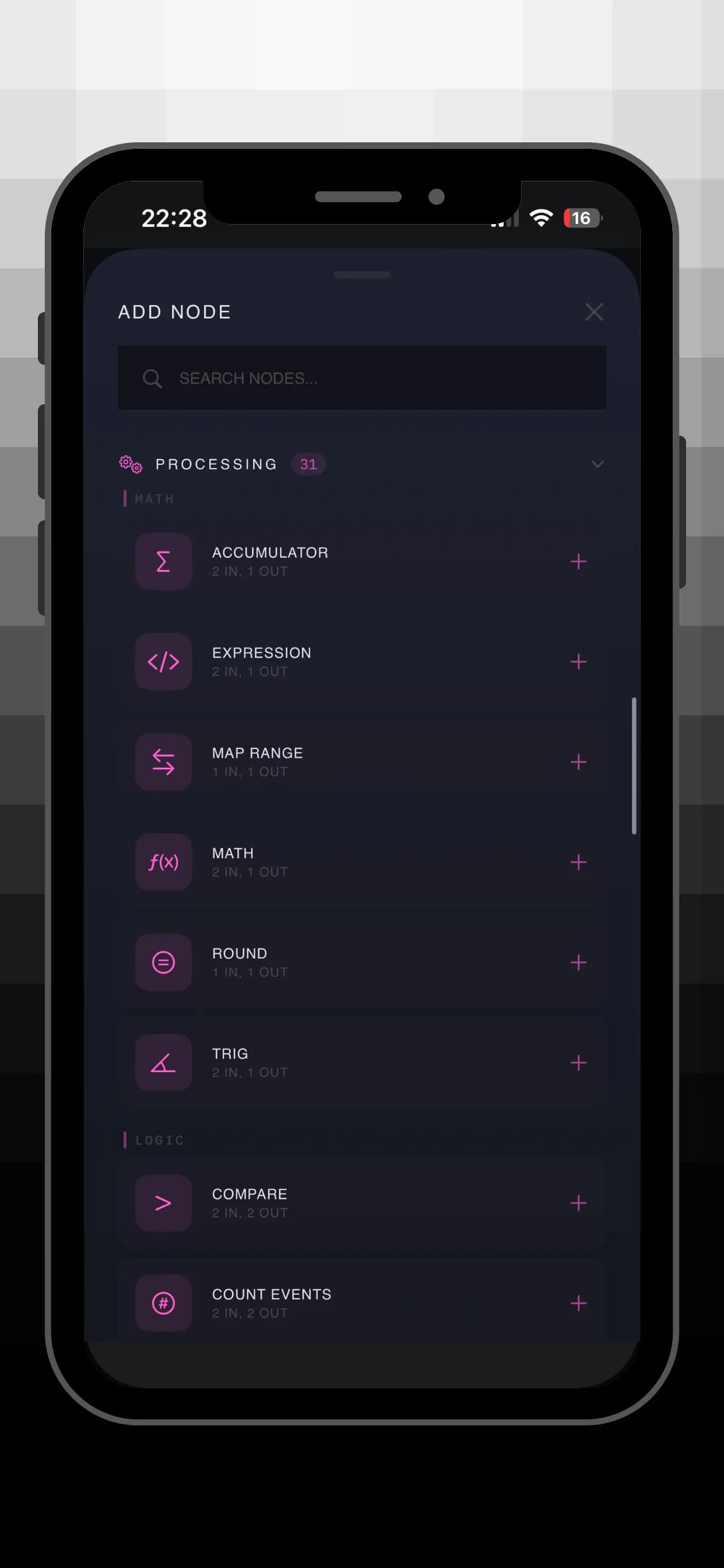
50+ Nodes in 3 Categories
- Sources: Camera and Vision data including body pose, hand tracking, face landmarks, device sensors such as accelerometer, gyroscope, magnetometer, barometer, and ARKit streams, plus generators like signal, noise, counter, timer, clock, array sequencer, and API request nodes with JSON extraction.
- Processing: Math operations, trigonometry, normalize, quantize, smoothing filters, map range, waveform modulation, oscillators, logic gates, comparators, thresholds, triggers, delay, sample and hold, looper, vector math, string formatting, and JSON building.
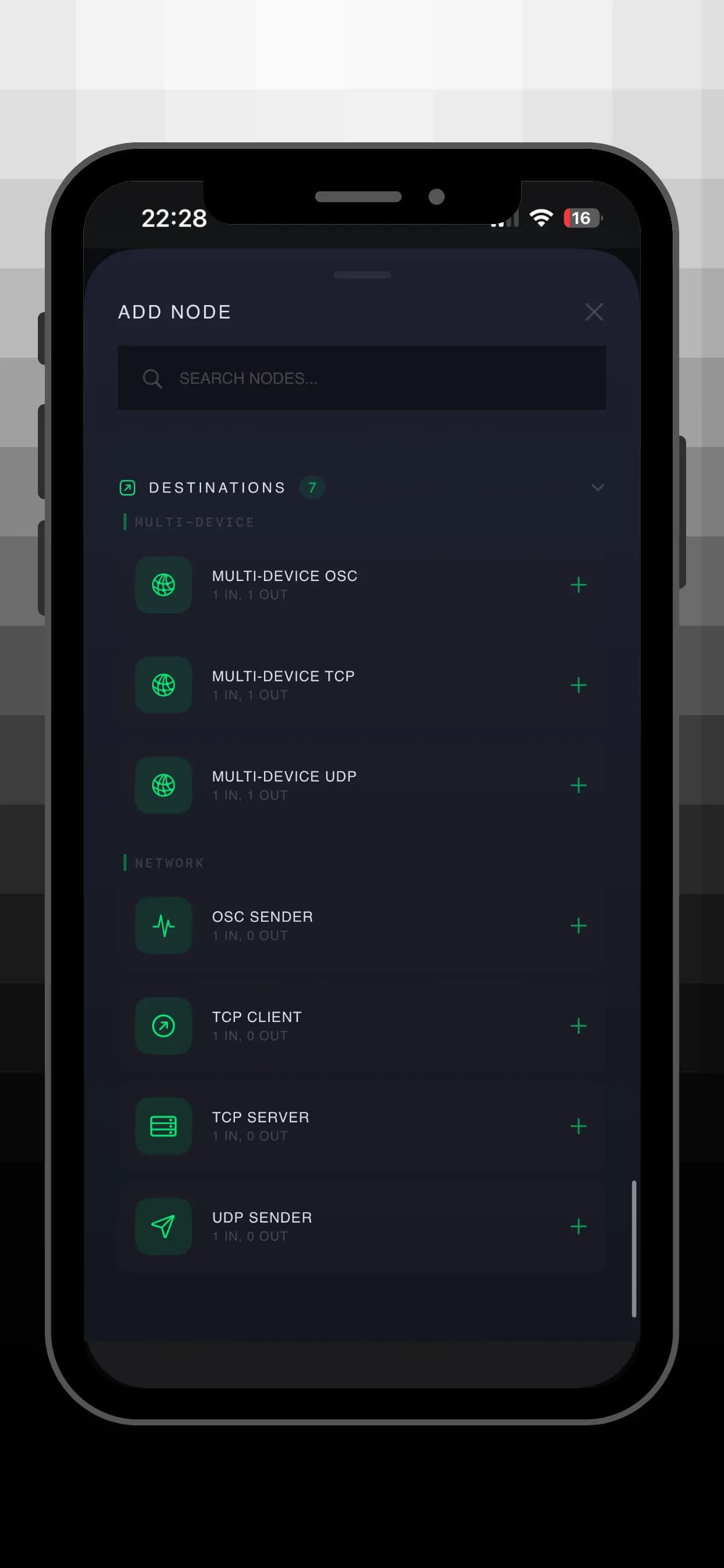
- Destinations: TCP client and server, UDP sender, OSC sender, plus multi-device broadcast nodes that target sequential IP addresses with per-device value offsets for installations, coordinated displays, and multi-device performances.
Real-Time Live Data
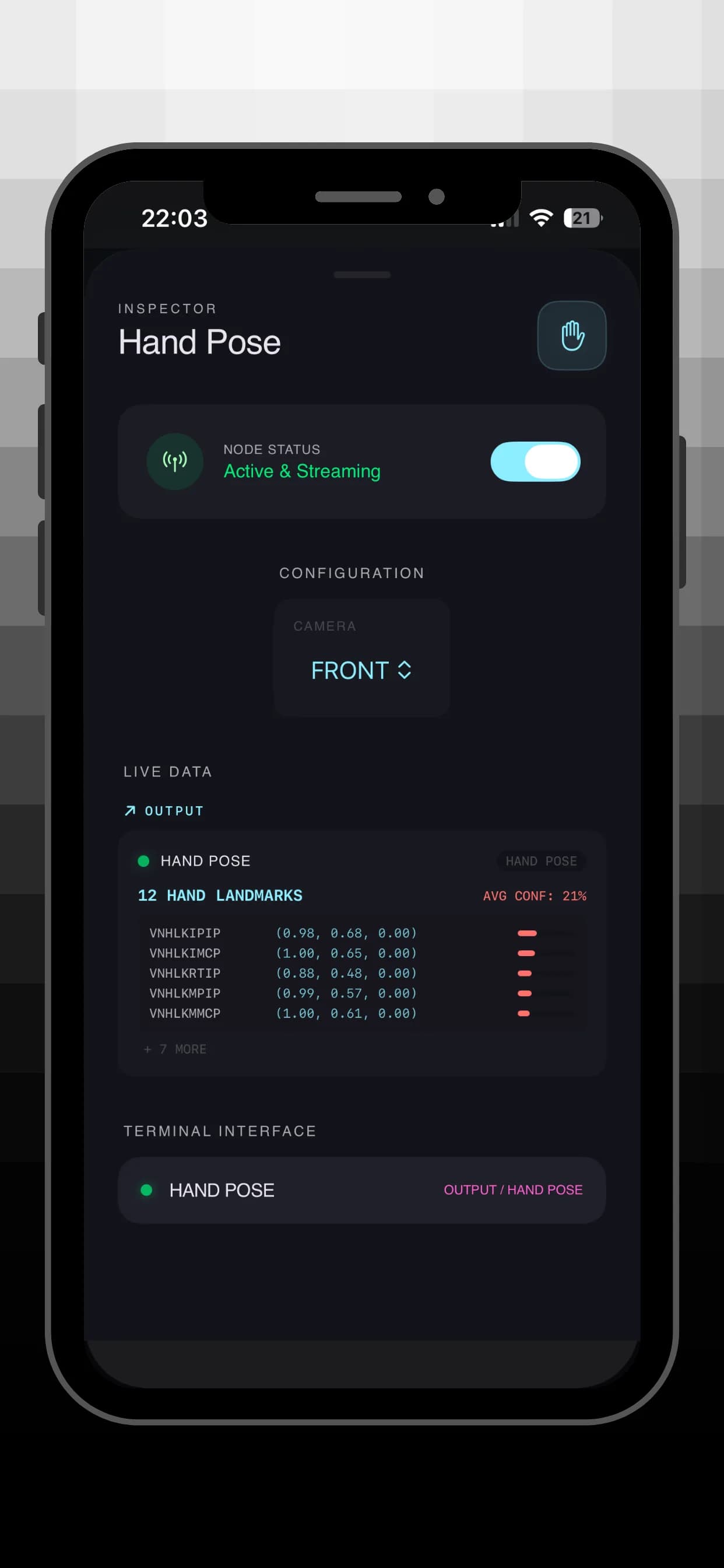
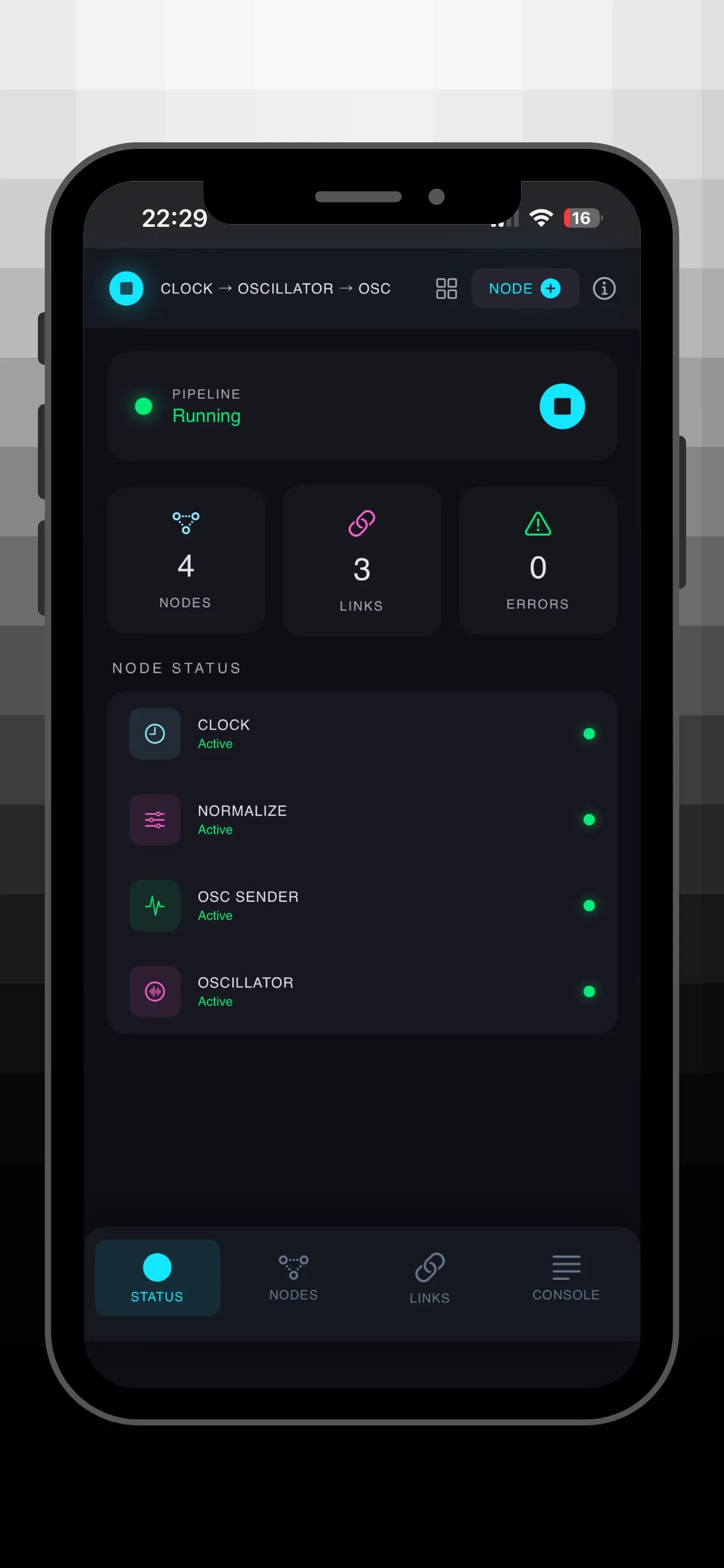
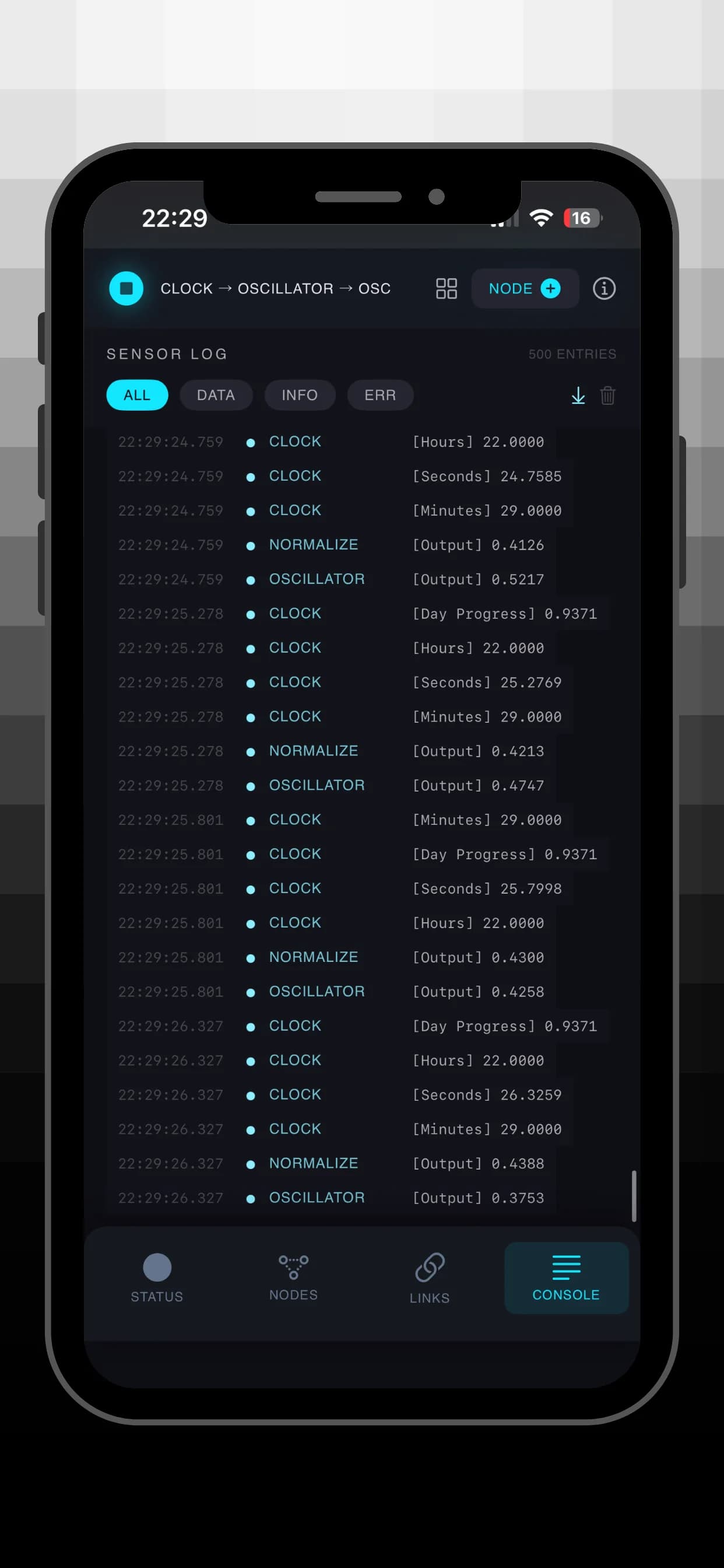
Monitor every node in real time. Source nodes show live output, processing nodes show both input and processed output, and destination nodes show exactly what they receive. Human-readable formatting covers JSON pretty-printing, pose joint details with confidence bars, hex blob previews, matrix grids, and sparkline history charts.
Multi-Device Orchestration
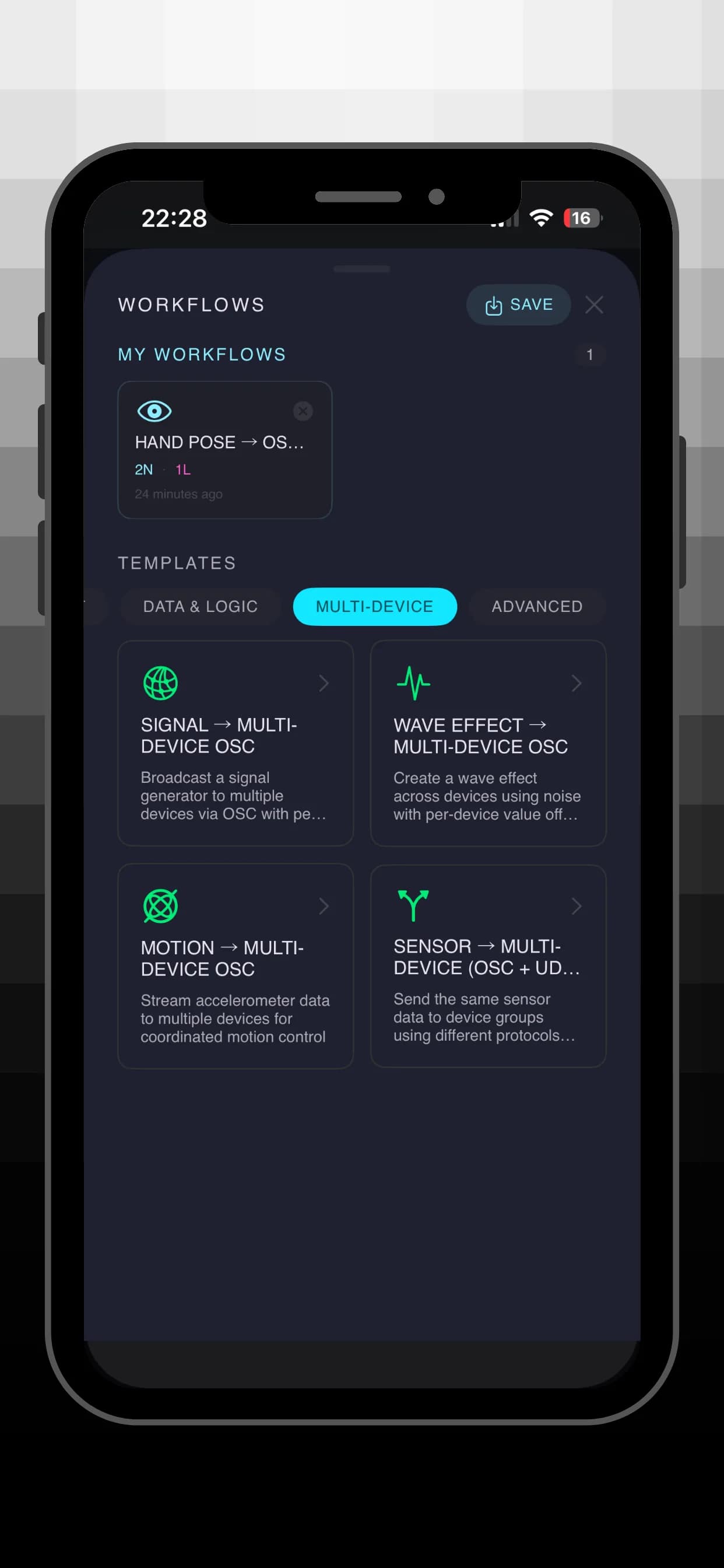
Set a base IP and device count and let Flow send to each device with optional per-device value offsets. Build wave effects, staggered animations, and synchronized installations across OSC, UDP, or TCP.
API Integration
Fetch data from any REST API with configurable HTTP method, headers, and request body. Extract values from JSON responses with dot-notation key paths, auto-fetch on intervals, or trigger requests manually.
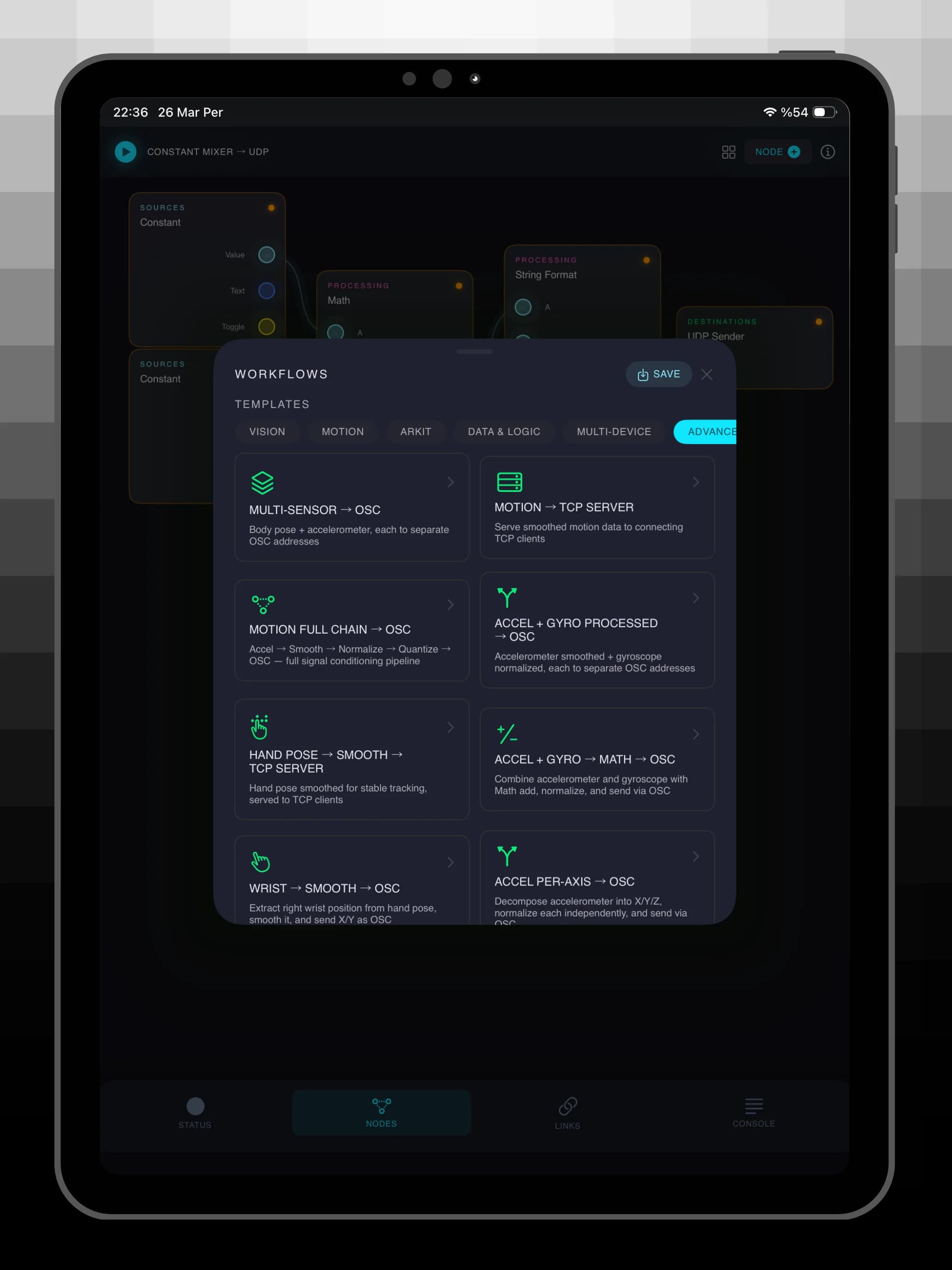
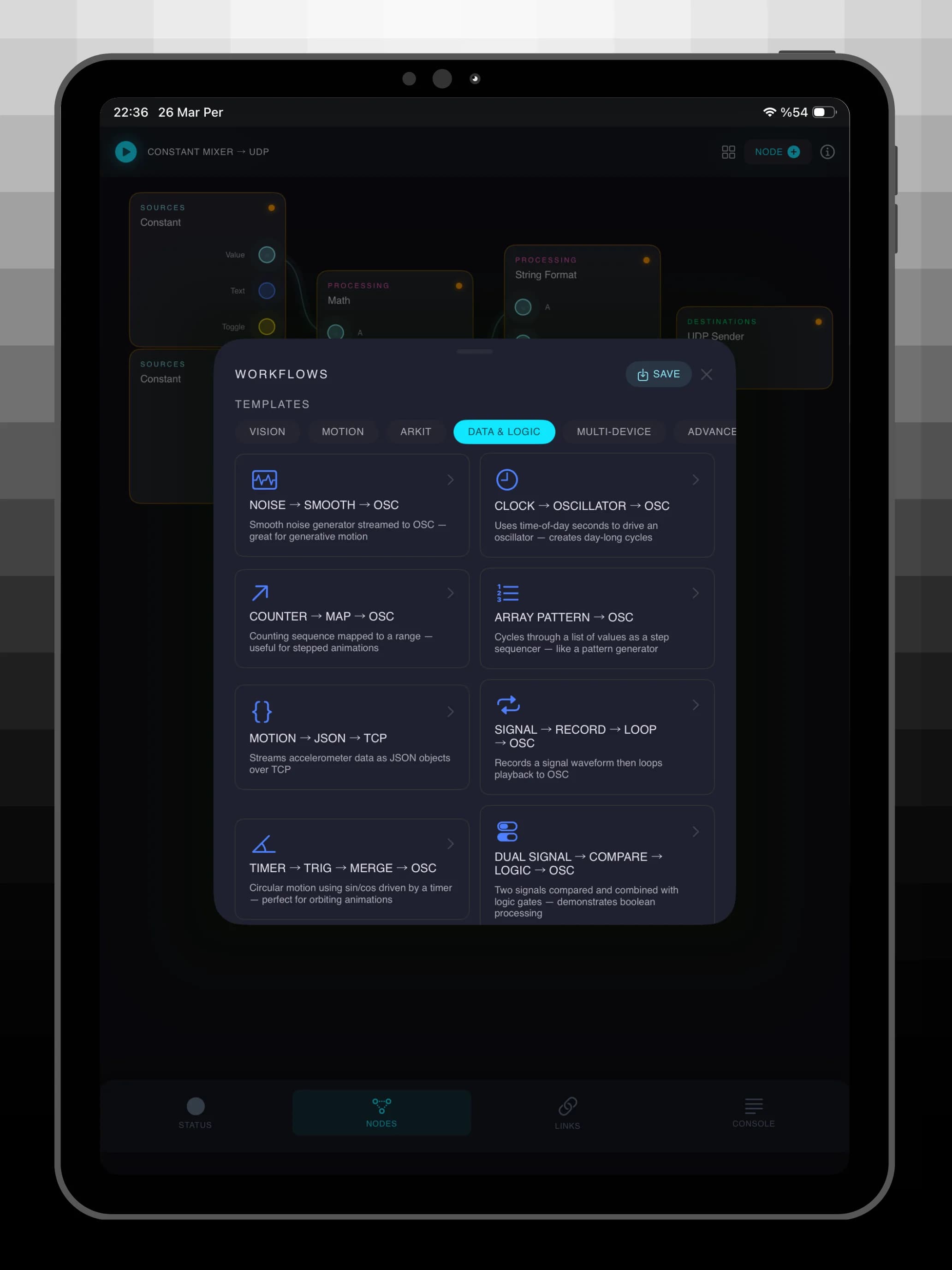
30+ Ready-Made Templates
Start with pre-built workflows for hand tracking, body pose, face landmarks, accelerometer streaming, ARKit world tracking, noise generation, signal processing chains, multi-device broadcasting, and more.
Camera Preview
When a vision pipeline runs, the live camera feed appears directly on the canvas with pose tracking, hand detection, or face landmark overlays in real time.
Save and Reuse
Save workflows and destination presets, switch between network configurations quickly, and load saved setups directly from the template picker.
Built for Creative Technologists
Flow is designed for artists, VJs, installation designers, creative coders, and anyone who needs to move sensor data from iOS into TouchDesigner, Max/MSP, Processing, openFrameworks, Unity, Unreal Engine, Resolume, or any OSC, UDP, or TCP-compatible tool.
Technical Highlights
- iOS 17+ built with SwiftUI and Swift Concurrency
- 60fps pipeline engine with actor-based architecture
- Network.framework for low-latency TCP and UDP transport
- Full OSC 1.0 protocol support
- Vision framework for real-time pose estimation
- CoreMotion support for device sensors
- ARKit for world and face tracking
- Sensor Hub
- Creative Coding
- Networking
Need Setup Help?
Questions about compatibility, routing, or getting the most out of Flow? Use the support page to get in touch.